

 ToSong 團隊
What the Phantom Blade Zero soundtrack sounds like
The score for Phantom Blade Zero (often searched as Phantom Blade 0) is by Beijing-based composer Caisheng Bo. According to the official soundtrack announcement, Milan Records released it in November 2026 as a four-disc album with about six hours of music, and it is available to stream and buy now.
Bo fuses rock, metal and electronic music with traditional Chinese instruments, and gives each instrument a dramatic job:
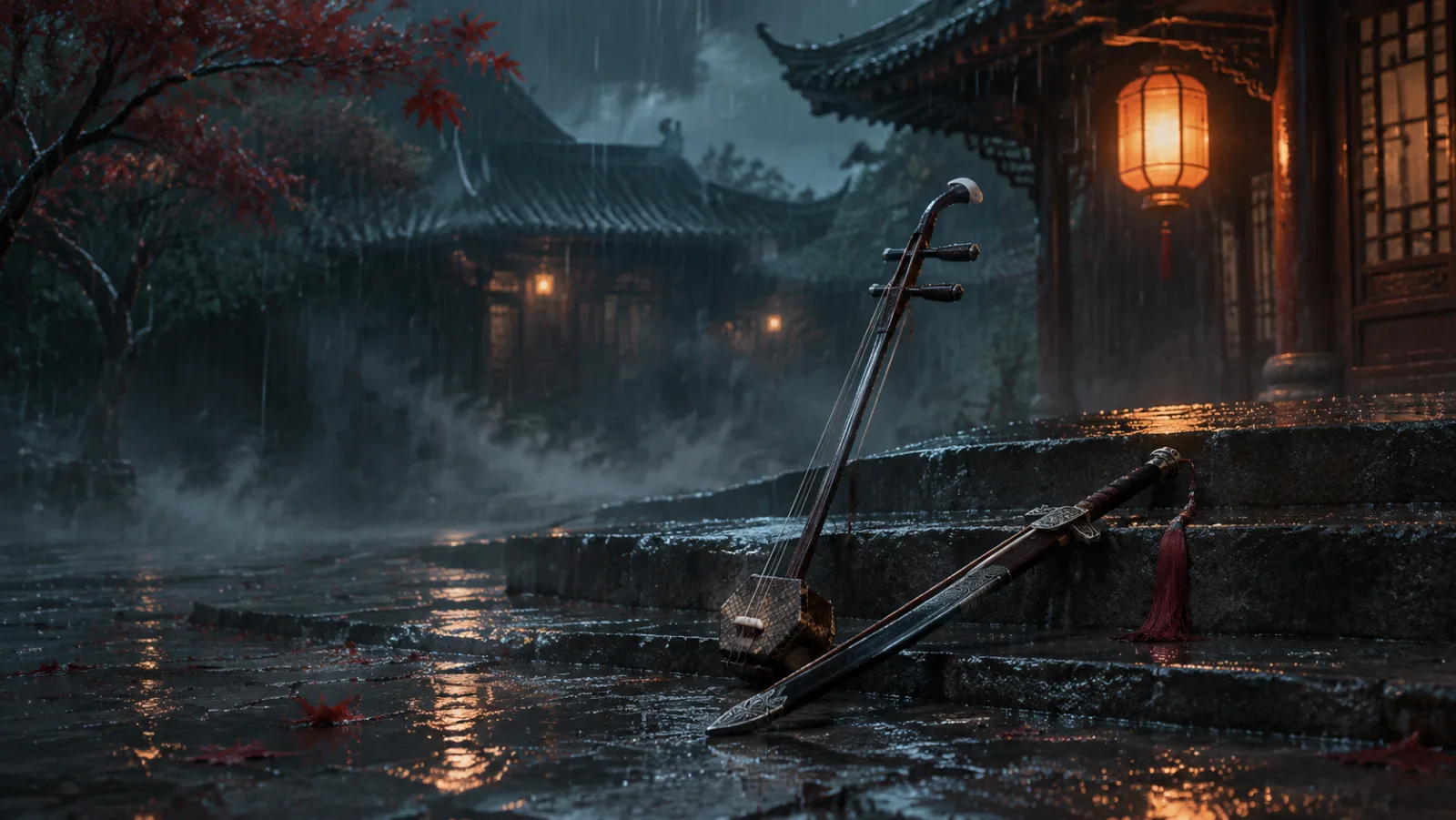
- Erhu: its screaming tone carries the core motif of "hero versus manipulation."
- Xun: the clay ocarina stands for "authority" and "weeping."
- Pipa: the plucked lute stands for "ambush" and "tranquility."
The score also tells its story through leitmotifs. A recurring stuttering sound, for example, evokes conspiracy and an uncontrollable Sha Chi (killing intent). The ending theme, "My Heart Beats True," features vocals by Chinese singer Sha Baoliang.
What to borrow for your own track
The ideas behind the score translate into a useful brief for your own track:
- Give every instrument a role. Decide what the erhu, pipa or flute means in your scene (threat, grief, calm before an ambush) instead of listing instruments for color.
- Contrast old and new. Put a traditional lead over a heavy modern rhythm section: distorted guitars, sub-bass, electronic pulses or pounding drums.
- Repeat a motif. A short figure that returns, like a stuttering rhythm or a three-note erhu phrase, makes a track feel tied to a character.
Wuxia refers to Chinese martial-hero storytelling, while wulin is the martial world those heroes move in: fighters, clans and outlaws. Both make good scene-setting words in a prompt.
Build the prompt: role, instruments and dynamics
ToSong creates music from a text description or your own lyrics, with an instrumental switch to turn vocals on or off. Writing a prompt works like writing a brief for a composer. Organize it around three elements:
- Musical role: State where the track plays in a game or scene, such as a boss fight, ambient travel, or an emotional character theme.
- Instrumentation: Name specific lead instruments and backing textures. The erhu (two-string bowed fiddle), guzheng (plucked zither), pipa (four-string lute), dizi (bamboo flute) and xun (clay ocarina) bring a traditional voice. Pairing them with heavy percussion, sub-bass, or distorted guitar adds weight.
- Dynamic arc: Describe how the energy shifts across the piece. Words like "slow build," "sudden drop," or "driving tempo" guide the pacing of the track.
When refining your generated audio, change one instruction at a time. If the tempo fits but the mood is too bright, change the mood descriptor before altering the instruments. For more prompting advice, see our Suno prompts guide.
Three prompt templates to adapt
Adjust the details to match your project's pacing. For more ready-made scene prompts, from palace intrigue to a Lunar New Year festival, use our Chinese music generator.
1. Dark battle instrumental
- Role: High-intensity combat against an elite martial artist in a rain-slicked courtyard.
- Prompt:
Fast dark wuxia combat instrumental. Screaming erhu lead over chugging metal guitars, aggressive pipa tremolo, pounding war drums and a stuttering rhythmic motif. Chaotic, tense, sudden stop.
2. Quiet village instrumental
- Role: Exploration through a ruined, fog-covered settlement abandoned by the martial factions.
- Prompt:
Slow eerie exploration instrumental. Solitary xun melody, sparse guzheng plucks, low sustained string drone, quiet wind ambiance. Somber, tense, lingering decay.
3. English character theme: the exiled swordsman
This prompt pairs cinematic folk instrumentation with an original vocal concept: an exiled swordsman who was betrayed by his clan but chooses mercy over vengeance.
To turn your own words into a song, use the lyrics to song feature. Switch to the My Lyrics tab, paste your verse or chorus into the Lyrics field and put your genre and sound descriptors in the Style field.
Example chorus:
Blood on the dust where the shadows divide,
I bury the steel that they left at my side.
The court demands vengeance, the cold river flows,
But mercy remains where the bitter wind blows.
- Style prompt:
Mid-tempo dark cinematic folk ballad. Raspy male vocals, rhythmic acoustic guitar, haunting erhu counter-melody, brooding low strings. Solemn, weary, determined.
Edit the audio for your game
ToSong gives you a finished audio file. If you are producing music for an interactive game, plan some editing in a digital audio workstation (DAW):
- Building loops: Import the audio, find a steady musical phrase, slice the clip and crossfade the start and end points to prevent audible clicks.
- Managing mix space: Game music needs room for voice lines and sound effects like weapon parries or footsteps. Audition the track against your dialogue, then use an equalizer to carve out space where spoken lines compete with instruments.
- Layering variations: To simulate adaptive music, split your track into high-energy and low-energy segments, then trigger them in your game engine based on gameplay states.
Before using generated audio in public projects, check the pricing and terms page. Generations made under paid plans or credit packs include commercial usage rights under current terms.