

Describe the mood, instruments and where the track will be used. The AI instrumental generator composes an original piece with no vocals, ready for videos, podcasts, streams or your own recordings.
Instrumental is on by default · original music, not vocal removal · commercial use on paid plans
Search for an instrumental maker and you will find two kinds of tool. They start from different places.
| If you have… | A song and want it without vocals | An idea and want new music |
|---|---|---|
| Tool you need | A vocal remover | An AI instrumental generator |
| Input | An audio file you upload | A text description of the track |
| Output | The same song, vocals taken out | A brand-new original instrumental |
| Rights | The original song's copyright still applies | Commercial usage rights on paid ToSong plans |
| Typical searches | song instrumental, karaoke version | background music, beats, study music |
The same prompt box covers very different jobs. These are the most common.
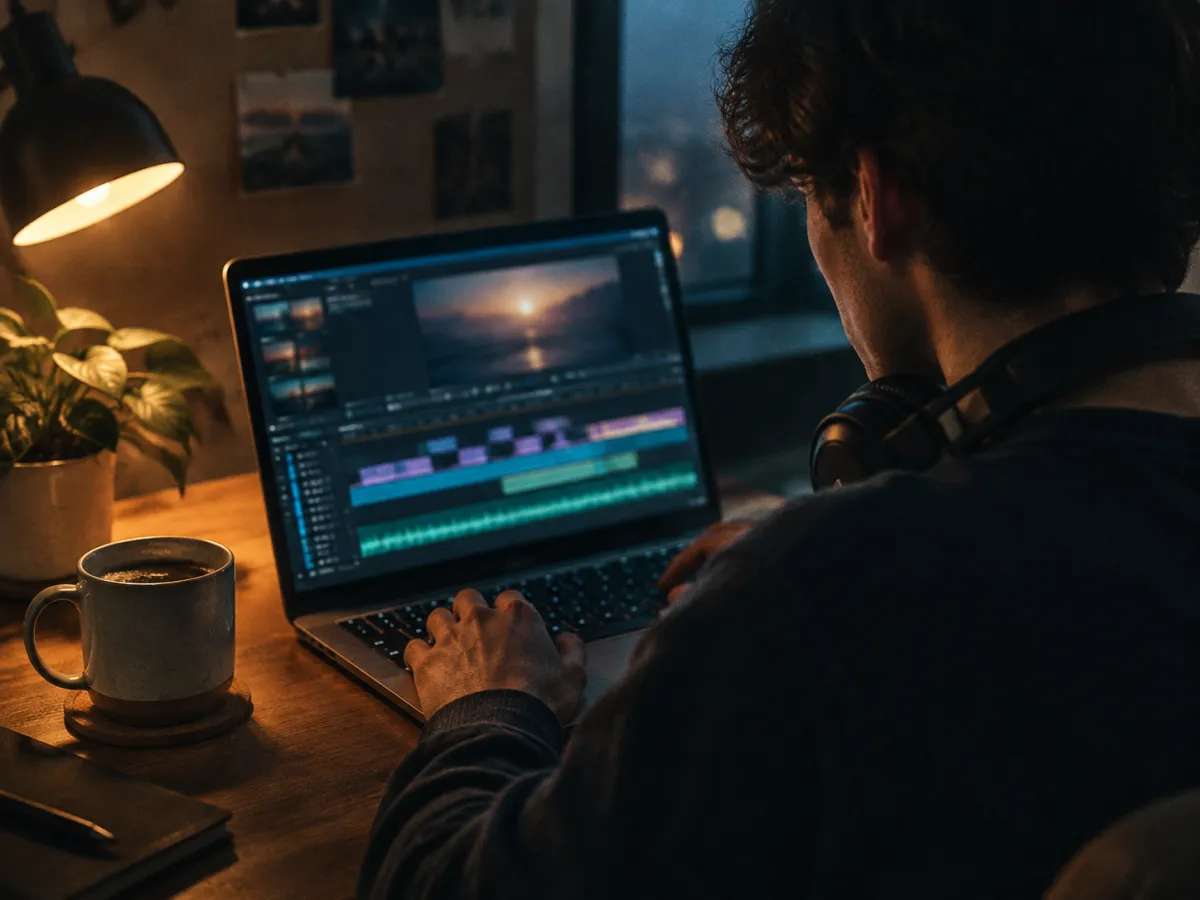
Make music for YouTube videos, reels and product demos. Ask for a light arrangement that sits under a voiceover without competing with it.
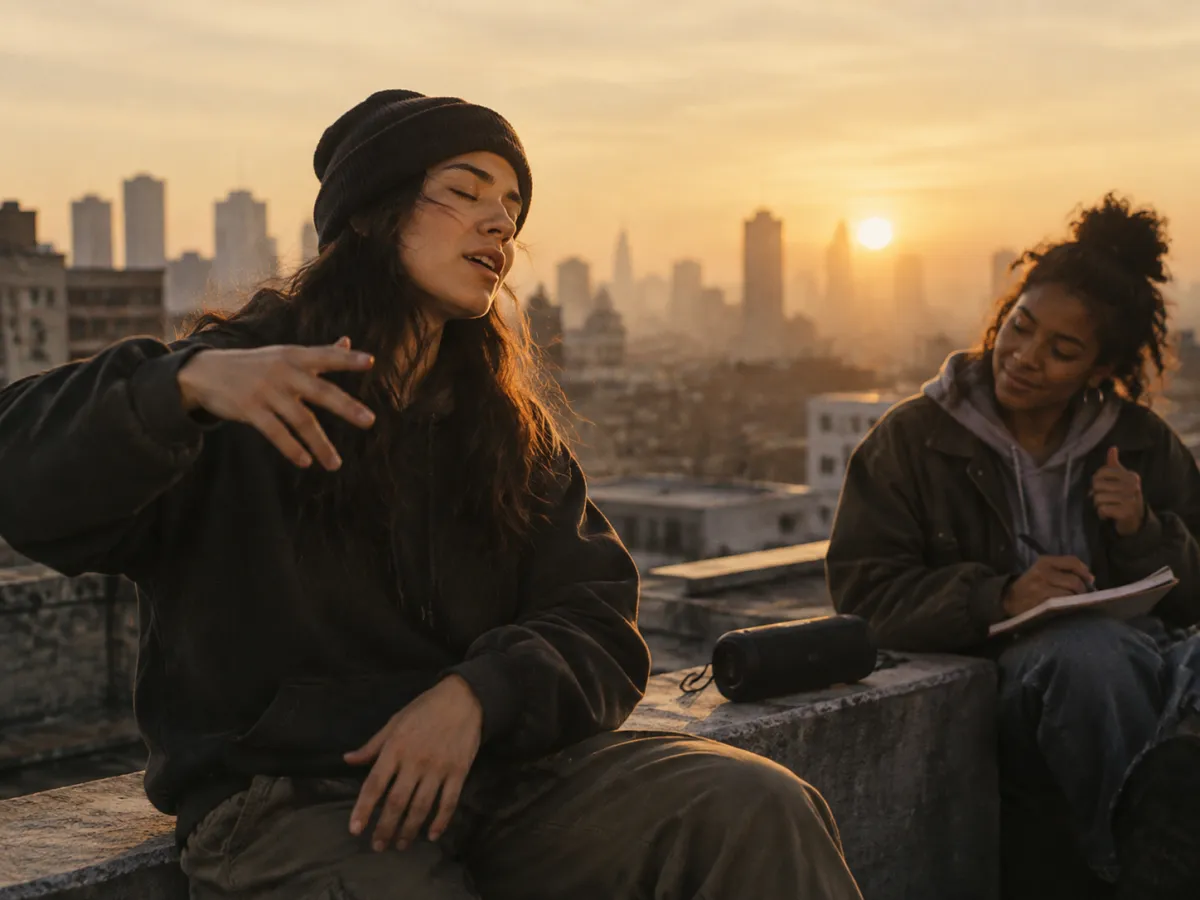
Describe the drums, bass and groove, then rap or sing over the result. Two versions per prompt give you a choice of feel.
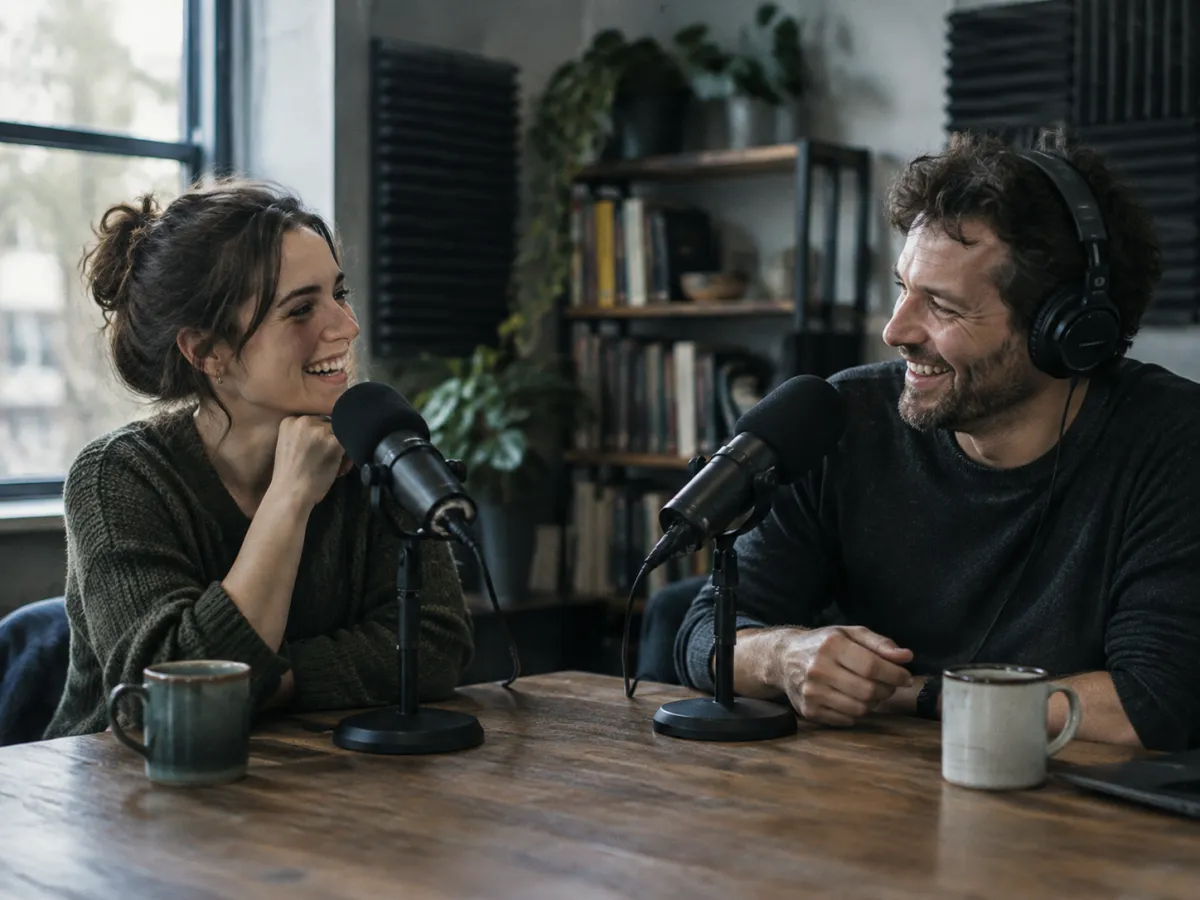
Short, punchy openers and softer beds for talk segments. Describe the energy of your show and the instruments that match its tone.
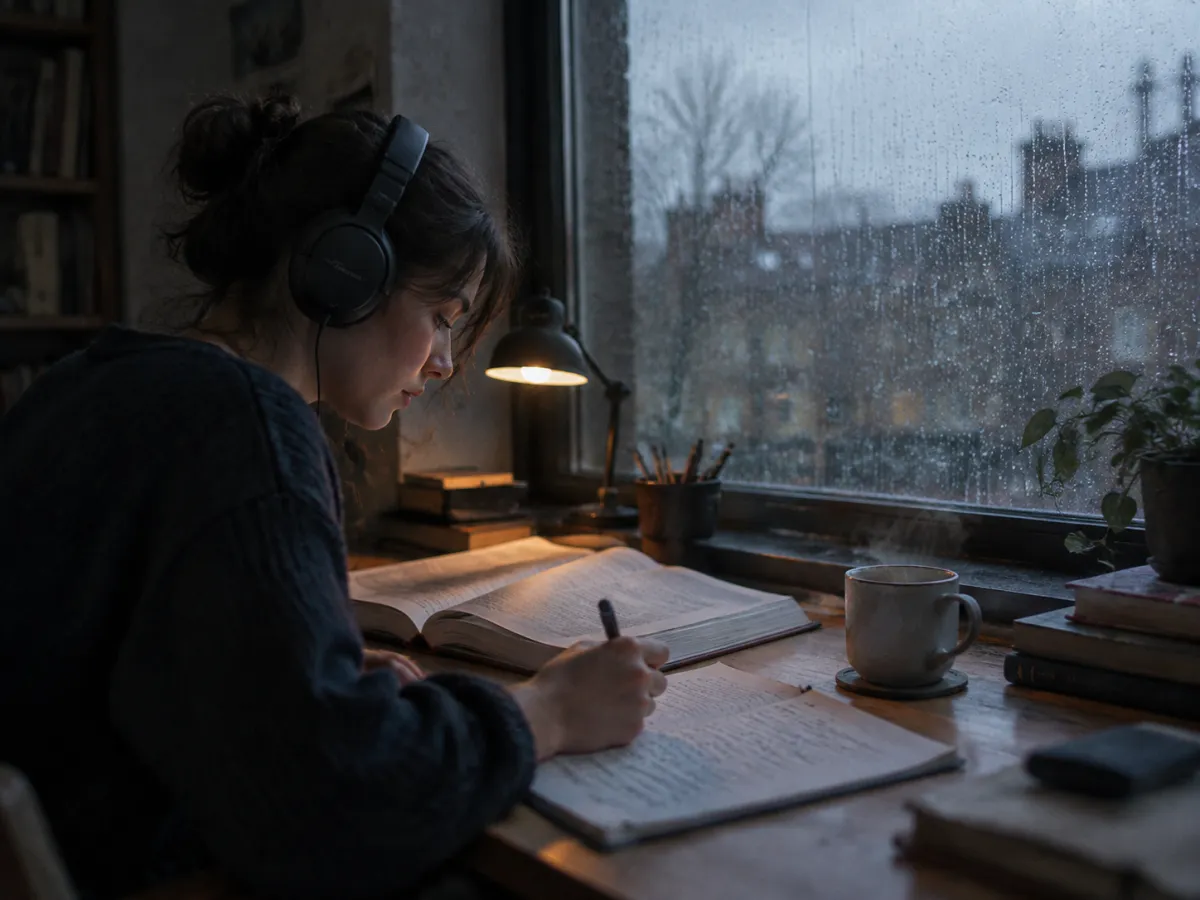
Lo-fi, ambient and piano instrumentals for study sessions, sleep playlists and meditation, with no lyrics pulling at your attention.
Genre does most of the work. Pair it with a mood and two or three of the instruments listed here.
| Style | Instruments to name | Good for |
|---|---|---|
| Cinematic and orchestral | Strings, brass, taiko drums, choir pads | Trailers, games, dramatic scenes |
| Lo-fi and chillhop | Dusty drums, Rhodes, vinyl crackle, soft bass | Study streams, relaxed vlogs |
| Ambient and drone | Synth pads, drones, chimes, field textures | Meditation, sleep, atmosphere |
| Piano and acoustic | Felt piano, fingerpicked guitar, cello | Emotional scenes, weddings, quiet moments |
| Electronic and synthwave | Pulsing bass, arpeggiators, gated drums | Tech demos, night drives, gaming |
| Hip-hop and trap beats | 808s, hi-hat rolls, bells, chopped samples | Beats to rap or sing over |
Public AI instrumentals by other creators, one per style. Treat them as reference points for your prompt, not as ToSong output.
A good instrumental prompt answers three questions.
Instrumental starts switched on here, so the track comes back with no vocals. Add a genre under Advanced options, in the Style field, if you want it fixed.
Write the genre, mood, lead instruments and where the music will be used, or tap an example to start from a ready-made prompt.
Every prompt returns two versions. Download the one that suits your project, or change one detail and generate again.
Your video has a cut, a voiceover and a gap where the music goes. Describe what fits and pick from two original instrumentals.