
ToSong

AI Music Extender

Make a short track long enough for the edit, or turn a hook into a full song. Upload your audio, choose where the new part starts, and get a continuation that sounds written, not repeated.

  • Free credits for new accounts
  • No added watermark
  • Two modes: High quality or Flexible

What is an AI music extender?

An AI music extender takes a track that already exists and writes new music after its last bar. Instead of looping the file or slowing it down, it reads the key, tempo, instrumentation and dynamics, then composes a continuation that fits what is already there.

A loop repeats the same bars, and time-stretching drags the groove. Stretching a track by hand takes an afternoon of cutting and can still sound patched together. An extender adds music the original did not contain, and may even take it somewhere you had not thought of.

ToSong’s extender has two modes. High quality gives the best sound, two versions per run and a finished length you choose, though its automatic checks may stop some audio or lyrics. Flexible rarely stops what you put in and gives one version per run, with lyrics required for the new part.

A green waveform of the original track continuing past a glowing marker into a new section in violet and cyan

Hear where the original stops and the AI begins

45 seconds straight through: the last 15 of the original, then 30 seconds of new music. The join is at 0:15, so listen for it.

Instrumental continuation

0:45
OriginalNew music from 0:15

Vocal continuation

0:45
OriginalNew music from 0:15

The source is our own track, continued from its 60-second mark in High quality mode. Loudness is matched for playback.

When to use an AI song extender

The jobs that come up again and again.
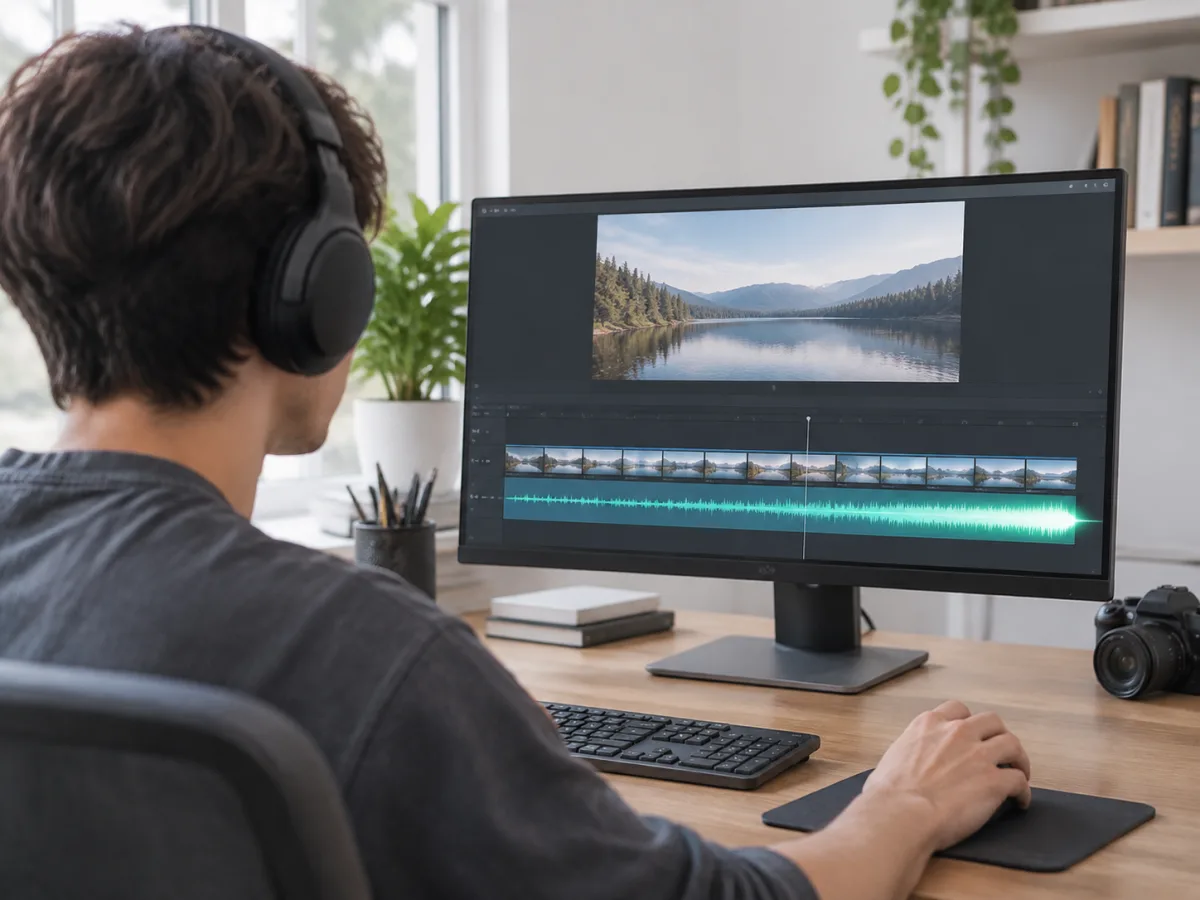
Video editor at a desk checking a music track that now runs the full length of a film clip

Fit a track to a video edit

A 90-second cue under a three-minute film leaves you choosing between a hard cut and a loop. Extend it to the length of the edit and keep one continuous piece of music.
Songwriter at a MIDI keyboard and laptop building a short idea into a full song

Turn a hook into a full song

You have a chorus, a beat or a 30-second idea that works. Extend from the end of it and let the model write the verse, bridge or outro the idea was waiting for.
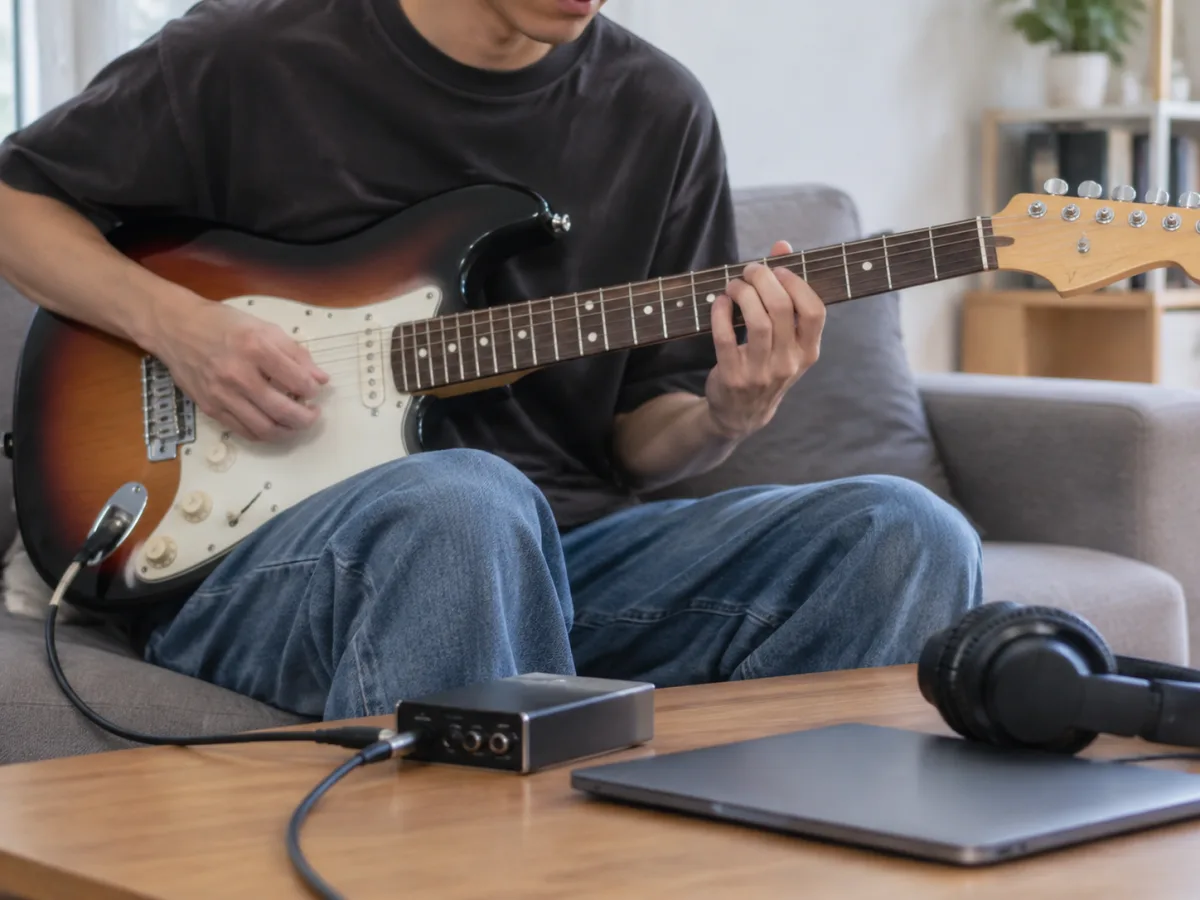
Guitarist recording a riff through an audio interface at home

Finish a demo or a beat

A guitar riff or a drum loop can carry a whole track. Add the solo, breakdown or outro it needs without re-recording the part you already like.
Producer pulling down a fader at a mixing console to finish a new ending

Replace an ending

The track works until the last 20 seconds. Continue from a point before the outro and write a different ending: a fade, a hard stop or one more chorus.
Livestreamer talking into a microphone over a background music bed

Podcast and stream beds

Turn a short cue into a bed long enough to talk over, with no loop point for listeners to catch.
Person on a couch playing an adventure game with a longer soundtrack

Game and app music

Give a level or menu theme new sections, so players are not hearing the same eight bars on repeat.

Extending vs looping vs stretching

Four ways to make a short track longer. Only one adds music that was not there, though a loop is simpler if a repeat is all you need.

MethodWhat you getWhere it falls short
Loop the sectionThe same bars repeated to fill the timeRepetition is audible after a few passes
Time-stretch the trackThe original performance, played slowerThe groove drags and transients smear
Cut and crossfadeExisting sections rearranged to fit, by hand or with a tool like Premiere RemixBeats and chords can clash at the seams, and nothing new gets written
AI music extensionNew bars that continue the existing trackNeeds a clean cut point and audio you have the rights to

How to extend a song

Three steps, one file.

  1. 01

    Add the track

    Upload an MP3, WAV or M4A up to 20 MB and 8 minutes. Use the highest-quality copy you have; a lossy file limits how much detail the model can match.

  2. 02

    Choose the start point and length

    Pick the second where the new part begins, then steer the next section with your own lyrics or a short direction.

  3. 03

    Generate and audition

    The new section is written against your file, so key, tempo and instrumentation carry over. Listen to the joins, keep the version that fits, and download the full-length track.

AI music extender specs

Input
MP3, WAV or M4A, up to 20 MB and 8 minutes
Start point
Any second of the track; what comes after it is rewritten
Finished length
High quality: up to 10 minutes, with up to 6 minutes of new music per run. Flexible sets the length itself. Extend the result again for more
Versions
Two per run in High quality, one in Flexible
Lyrics
Optional in High quality; required in Flexible
Carried over
Key, tempo and instrumentation
Output
Full-length files, one per version, with no added watermark
Processing
Usually a few minutes; credits are refunded if a run fails
Works with
Premiere Pro, DaVinci Resolve, CapCut and other editors that import audio

Get a cleaner extension

Three details that decide whether the join sounds intentional.

Cut on a clean beat or phrase

Continuing mid-word or mid-phrase forces the model to guess. Pick a point at the end of a full bar for the cleanest handoff.

Leave room for an ending

If the track needs a fade or a final chord, leave a few seconds past the video so the extension can resolve.

Describe the next section, not the whole song

A short direction like “add a guitar solo, keep the drums” works better than restating the genre you already recorded.

No track to extend yet?

Make a new one from a description or your own lyrics.

AI music extender questions

Never run short on music for your edits

Bring a track you already have, extend it once and keep building.