

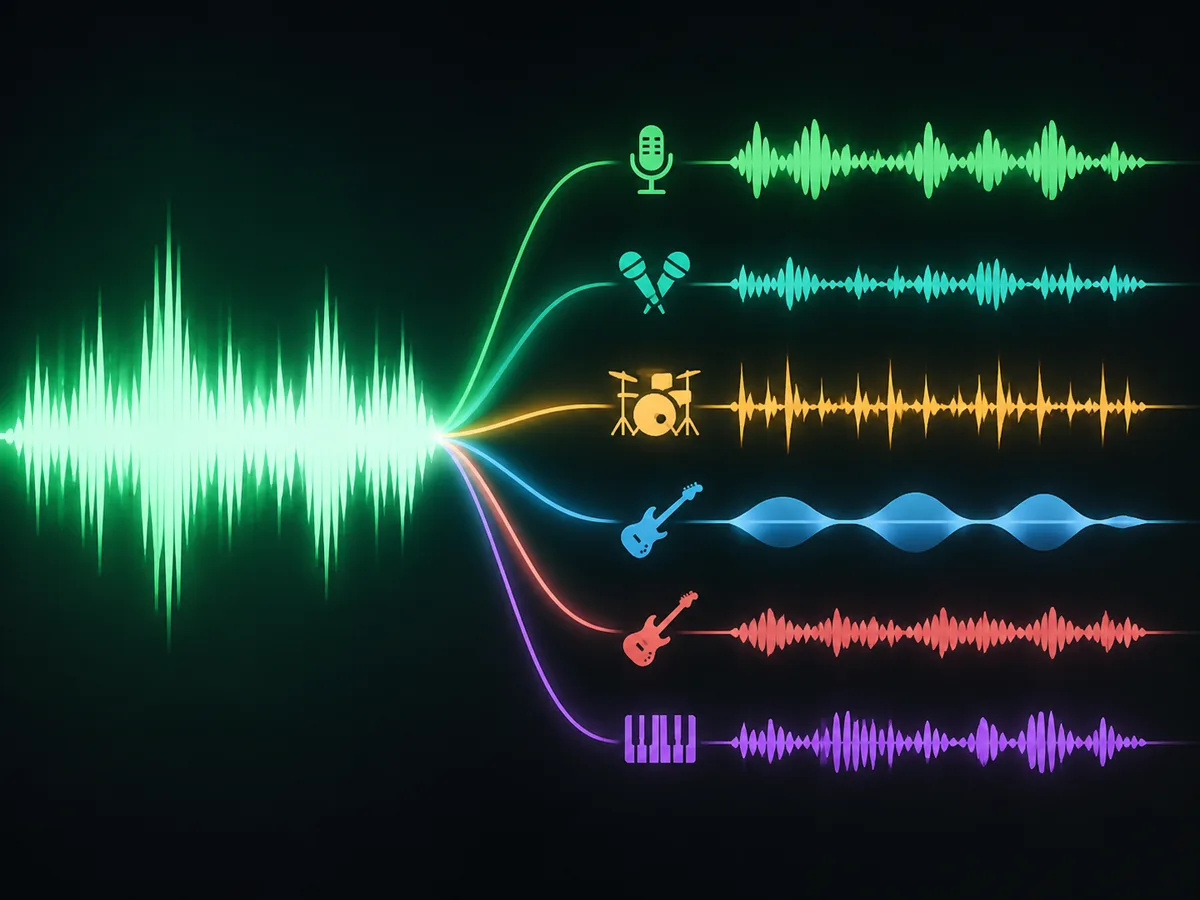
Upload a song and the stem splitter pulls it apart by instrument: vocals, drums, bass, guitar, keys, strings and more, each on its own track.
We ran “Sing It Louder”, a synth-pop song with a female lead, through the stem splitter. Play 30 seconds of the full mix, then six of its stems from the same spot.
Full mix
Sing It Louder
Synth-pop · female vocal
Separated stems
Sing It Louder
Vocals
Sing It Louder
Backing vocals
Sing It Louder
Drums
Sing It Louder
Bass
Sing It Louder
Keyboard
Sing It Louder
Synth
The original song was made on ToSong, and playback loudness is matched. The same split also gave guitar, strings, percussion, brass and FX stems, plus a near-silent woodwinds stem.
A stem splitter, also called a stem separator, takes a finished, mixed song and separates it back into stems: groups of parts such as vocals, drums, bass and the other instruments, each on its own audio track.
An AI stem splitter does this with a source-separation model. Models like this learn how each instrument sounds from multitrack recordings, then estimate which part of the mix belongs to which stem, instead of filtering by frequency or stereo position.
All stems share the length and start point of the upload. Drop them on separate tracks at the same bar and they line up with each other and with the original mix.
Logic Pro and Ableton Live now split stems too. Here is how a browser stem splitter compares.
| Compare | ToSong stem splitter | Logic Pro Stem Splitter | Ableton Live stem separation |
|---|---|---|---|
| Stems | 12, including strings, brass, synth and FX | 6: vocals, drums, bass, guitar, piano, other | 4: vocals, drums, bass, others |
| What you need | A browser on any computer or phone | Logic Pro on a Mac with Apple silicon | Live 12.3 or later, Suite edition |
| Cost | Credits per song | Included with Logic Pro | Included with Live Suite |
| Audio it accepts | Your own songs; released recordings declined | Any audio in your project | Any audio in your set |
Every split returns the full set of 12 stems, grouped here by what they hold. Instruments your song doesn’t use come back as near-silent stems you can skip.
Three steps, no settings to tune and no software to install.
Add an MP3, WAV or M4A up to 20 MB and 8 minutes. Use a song you made, generated or have the rights to; a clean studio mix gives the cleanest stems.
Hit Split into stems and give it a few minutes. The task keeps running on our side, so the finished stems show up in your library even if you leave.
Every stem the song contains is listed by name. Solo each one on the page, then download single stems as MP3 and import them into your DAW.
Tools that pair well with the stems you just split.
Upload a song you made and get every stem it contains.