

Hear a song in a whole new style. Upload the track, describe the sound you want, and the AI keeps the melody while remaking the arrangement and the vocal.
Example: “Paper Boats”, an acoustic pop song, covered as pop punk with its original lyrics. 30 seconds.
Original
Paper Boats
Acoustic pop · female vocal
AI cover
Paper Boats
Pop punk · male vocal
The original song was made on ToSong. Loudness is matched for playback.
Three steps in the browser. No DAW, no microphone, no band.
Add an MP3, WAV or M4A of the song you want to cover, up to 20 MB and 8 minutes. A finished track, a rough demo or a voice memo of you humming the tune all work; Flexible mode needs a song with vocals, between 6 seconds and 6 minutes. Use music you made or have the rights to use.
Write the sound you want in a few words, or tap a genre and add details. Pick a male or female voice and paste the lyrics: the original words to keep them, or new ones to change them. Or switch to instrumental for a cover without vocals. In Flexible mode, skip the lyrics: the AI picks up the words from the original and sings them.
You get two covers of the same song, often with different tempos or vocal phrasing (one in Flexible mode). Pick the take that suits the song and save it as an audio file; if it misses, sharpen the style line and run it again.
A cover song is a new performance of an existing song. The melody and the words carry over, while the arrangement, the tempo and the voice belong to whoever covers it: an acoustic take on a club hit, say, or a punk band tearing through a ballad.
An AI song cover does the same job with a music model in place of the band. It keeps the tune and structure of your upload and writes a new arrangement in the style you describe, with a newly sung vocal. No part of the original recording is reused.
That makes it different from an AI voice cover, which swaps the singer for a cloned voice and leaves the backing track untouched. A song cover changes the whole sound around the melody.
Both get called AI covers, but they change different parts of a song. ToSong makes the first kind.
| Compare | AI song cover | AI voice cover |
|---|---|---|
| What changes | Genre, arrangement, instruments and vocal | Only the singer's voice |
| What stays | Melody, song structure and lyrics | The original backing track and timing |
| Who sings | A new AI vocal, male or female | A cloned copy of a specific person's voice |
| What you upload | Any version of the song: a finished track, a demo or a hummed melody | A clean vocal, usually split from the song first |
| Good for | Hearing a song in another genre, finishing a demo, switching to a male or female voice | Making a song sound like a different singer |

Turn a pop song into bossa nova, a rock anthem into lo-fi, or a ballad into a dance track. Describe the sound in plain words, or pick a genre and add the tempo, the instruments and the mood. The melody stays recognizable, so the AI song cover still sounds like your song, played by someone else.
Make an AI cover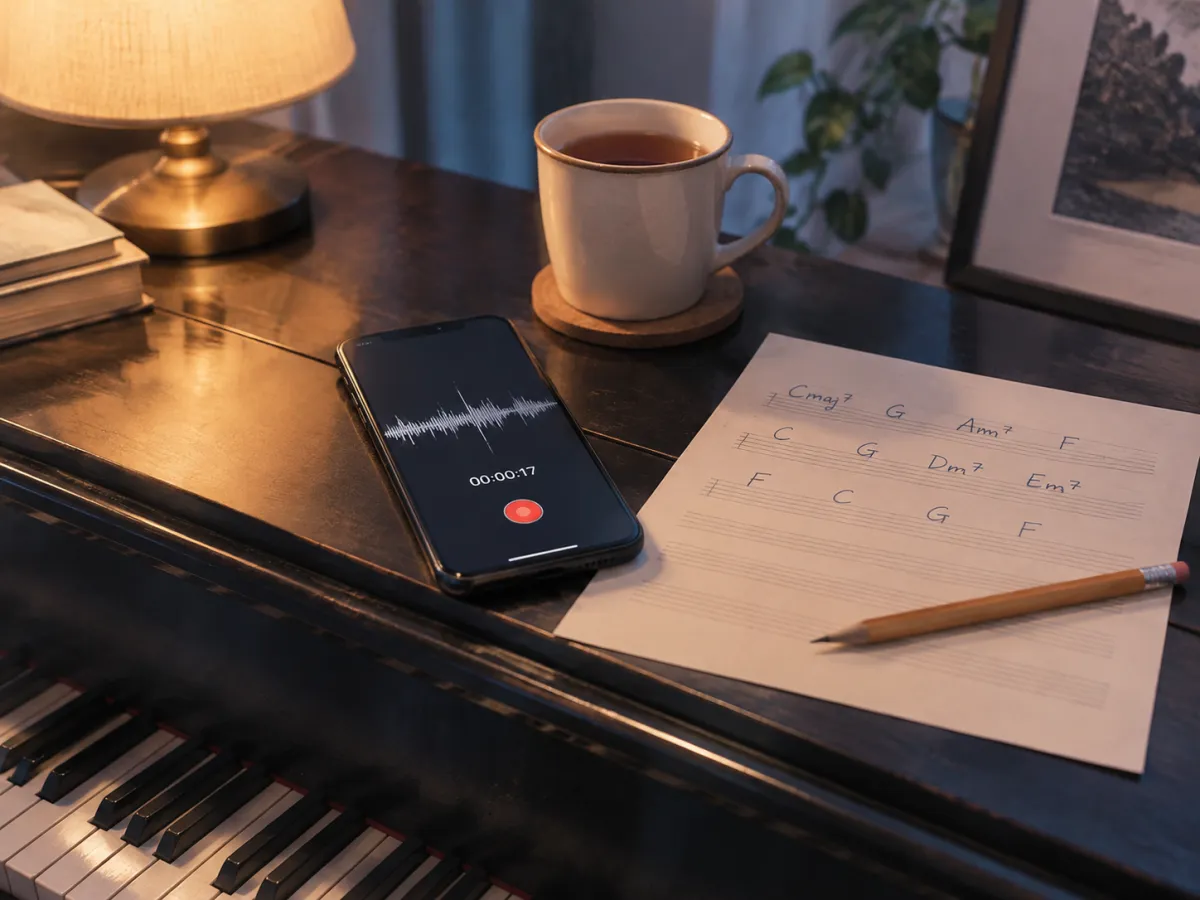
You don't need a finished recording. Upload a voice memo of you humming, or a piano or guitar demo you sing over, and the AI cover generator builds a full arrangement around the tune, with drums, bass and a polished vocal. It is a quick way to hear what an idea could become before you spend a day in the studio.
Make an AI cover
Paste the original lyrics and the cover is sung with the same words. Paste your own for a parody, a translation or a personal version for a birthday or a wedding, or leave the field empty and the AI writes fresh lyrics. Choose a male or female voice, or switch to instrumental for a backing track with no singing at all.
Write a song from lyricsStyle lines that make a good starting point. Copy one into the style field and adjust it to the song.