

Turn a recording into notes you can edit. Drop an MP3 or WAV of a melody, riff, vocal or whole song, check the result on the piano roll, and download a MIDI file for your DAW.
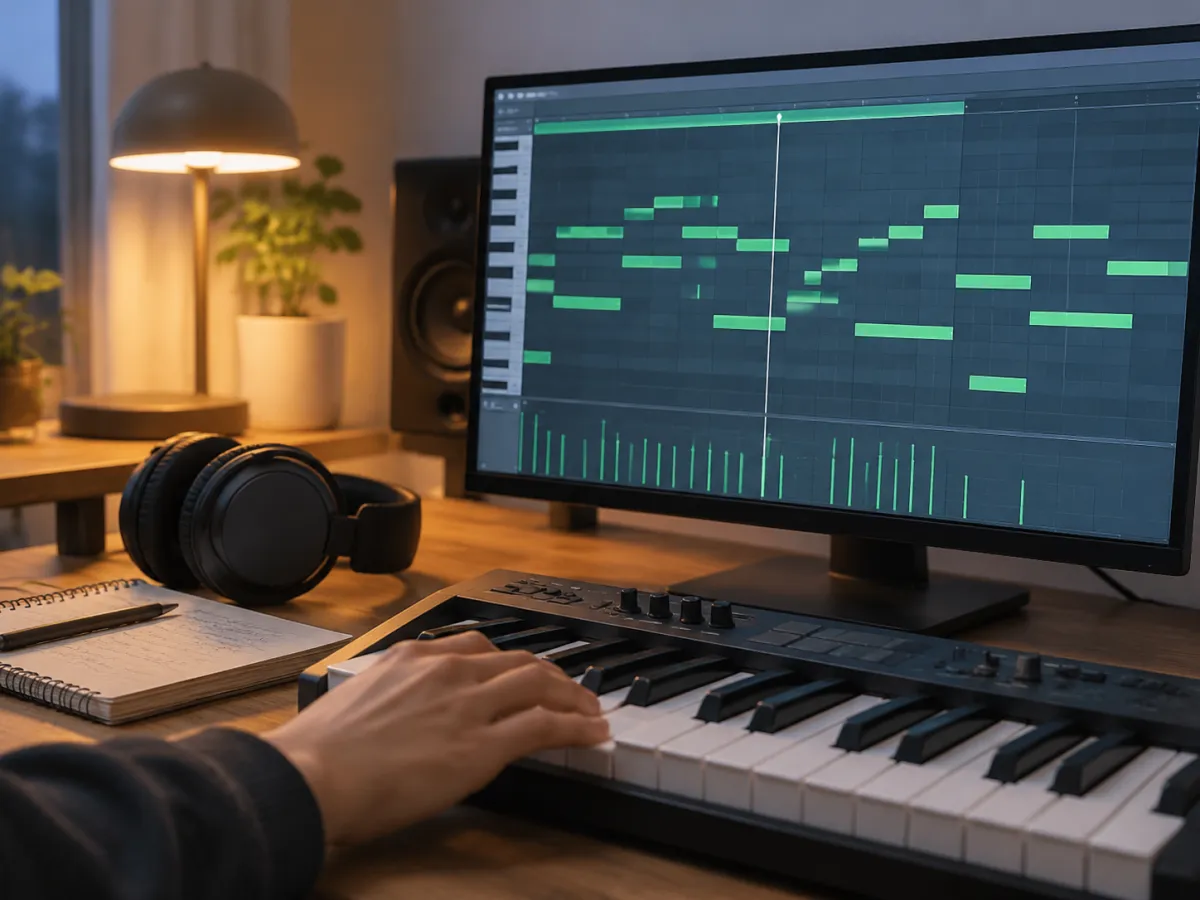
Example: “Sing It Louder”, a synth-pop song made on ToSong. Pick a clip and switch between the original and the MIDI this converter produced on the Balanced setting; the notes on the piano roll are exactly what is in the file.
The isolated vocal turns into a usable melody line, with a few long notes split by vibrato. The full mix comes out as a dense draft, with bass, chords and melody on a single track.
Whatever you recorded the idea on, the notes come out the same way.
Three steps, all inside the browser tab you have open.
Choose an MP3, WAV, FLAC, M4A or OGG file up to 10 minutes long. It is decoded on your device and never uploaded.
Pitch, note starts and loudness are picked out for you, so there is nothing to work out by ear. A three-minute song is usually ready well within a minute on a recent laptop; phones take a little longer.
Play the MIDI against the original, switch the note detail until it sounds right, then download the .mid file and drag it into your DAW.
The converter hears pitch. The fewer sounds play at once, the cleaner the notes.
| Recording | What you get | Tip |
|---|---|---|
| Solo piano or guitar | Melody and chords at the right pitch | Record dry and close to the instrument |
| Vocals, humming, whistling | One melody line; vibrato can split long notes | Use Clean, then join split notes |
| Bass line | Solid low notes, sometimes an extra octave above | Delete the doubled octave |
| Full song MP3 | A dense draft with every part on one track | Split out the vocal first |
| Drums | Not supported: hits come out as random notes | Use your DAW’s drum-to-MIDI feature |
The download is a standard single-track .mid file. Drag it into Logic Pro, Ableton Live, FL Studio, GarageBand, Cubase or REAPER and give it any instrument you like. Notation apps such as MuseScore open the same file as sheet music. Logic Pro (Create MIDI Track from Flex Pitch Data), Ableton Live (Convert Melody or Harmony to New MIDI Track) and Melodyne can also convert inside a DAW; this page needs no plugin and no license.
Timing is kept as played rather than snapped to a grid, and the file carries a default tempo of 120 BPM. Set your project to the song’s tempo, place the clip at bar one, and quantize only if you want a strict grid.
Plan on a little cleanup: delete stray short notes, remove an octave double under a bass line, and join a sung note that vibrato split in two. Velocity follows how loud each note was, so dynamics survive; pitch bends are not written to the file.
Clean up the source before converting, or build a whole song around the notes you found.