

Combine two songs into one new track that borrows from both. Upload the pair, guide the blend, and pick from two versions written as a single song, not two recordings stacked on top of each other.
First song
Second song
Example: a folk ballad and a synthwave instrumental, mashed up once with vocals and once with Instrumental only on. 30 seconds of each.
Source song
Paper Lanterns
Acoustic folk · female vocal
Neon Freeway
80s synthwave · instrumental
Mashup
Paper Lanterns on the Freeway
With vocals
Paper Lanterns on the Freeway
Instrumental
Both source songs were made on ToSong. Loudness is matched for playback.
A mashup, or song mashup, is a track built from two or more existing songs. The classic version lays the vocal of one track over the instrumental of another. DJs traditionally made them by hand: splitting the parts, matching the tempo, shifting one song into the other's key and lining up the phrases.
An AI mashup maker takes a different route. Instead of cutting and stacking the original recordings, it listens to both songs and writes a new track that carries something of each, such as the groove of one and the melody or mood of the other. The vocal is newly sung too, so unlike the mashups you hear on TikTok, the original singers are not in the result.

Take two of your demos, beats or AI-generated tracks and hear what happens when they meet. A mashup is a quick way to find a direction neither song had on its own, and to get more out of ideas that never became finished songs.
Make a mashup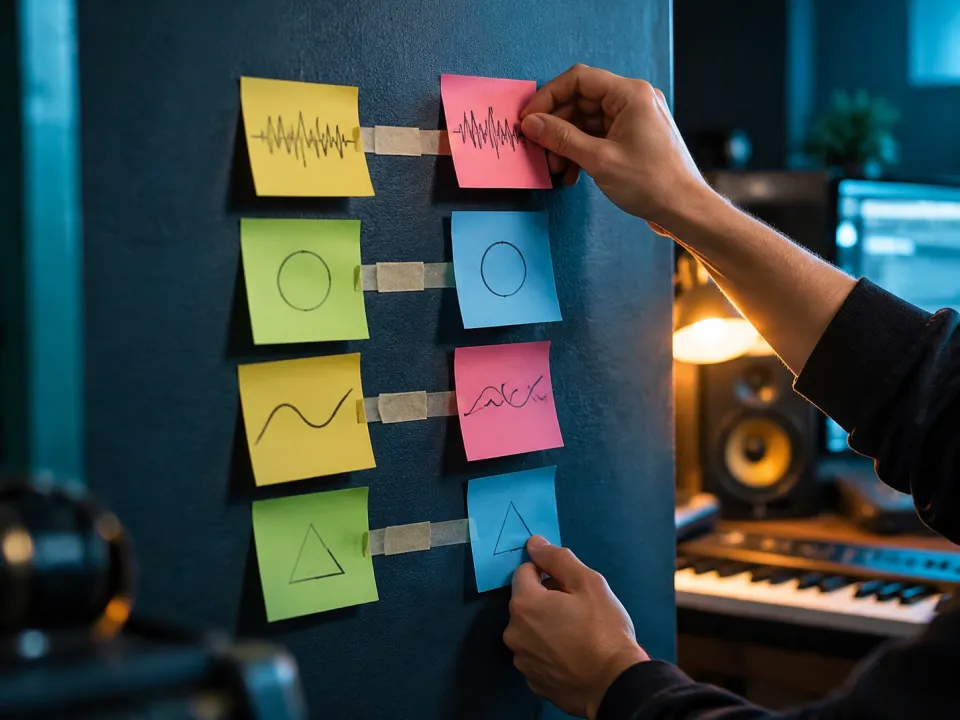
Tell it which song should lead, what genre to land in or how the vocal should feel. A line like “drums from the first, chorus melody from the second, slow it into a ballad” points the blend somewhere specific. Without a direction, the AI weighs both songs and chooses for you.
Make a mashup
Paste your own lyrics and the new vocal sings them over the blended track. Leave the field empty and the AI writes words that fit the mood of both songs. Either way, the vocal comes out as one performance instead of two singers talking over each other. Need background music instead? Switch to instrumental only and the mashup comes back without vocals.
Make a mashup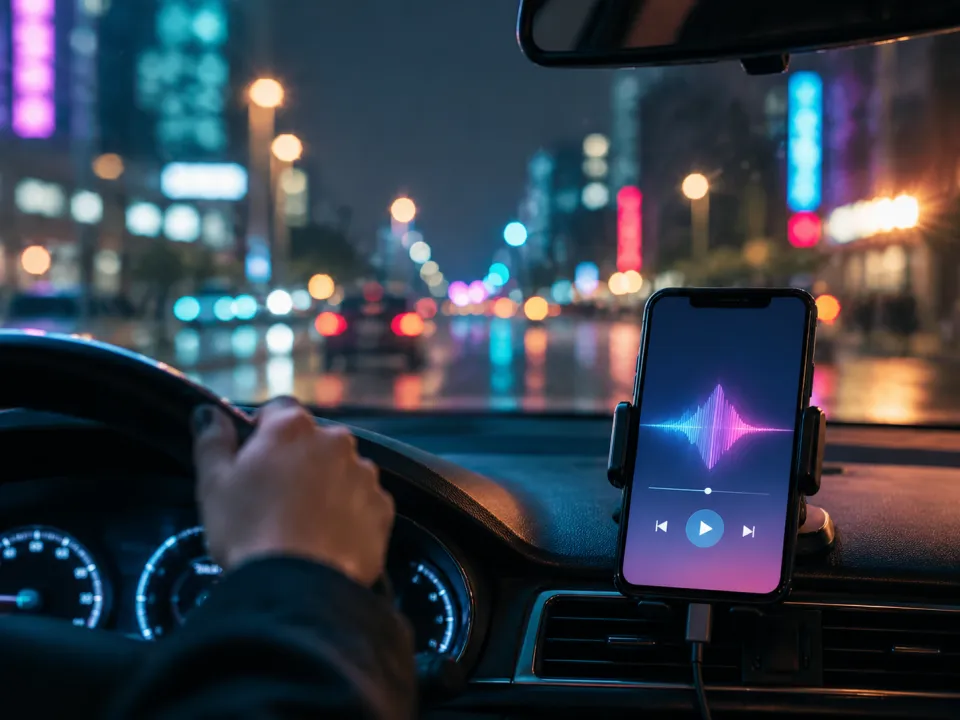
Every track from the mashup maker downloads as an ordinary audio file, ready for a video edit, a stream intro or another round in your DAW. If it runs shorter than you need, take it to the AI music extender and add more bars in the same key and tempo.
AI Music ExtenderUpload, describe, listen. Nothing to install.
Add the two tracks you want to combine: MP3, WAV or M4A, up to 20 MB and 8 minutes each. Use songs you made yourself or have the rights to use.
Optionally describe the result: which song carries the beat, what the vocal should feel like, which genre it should land in. You can also paste your own lyrics, or switch to instrumental only for a mashup without vocals. Leave it all empty and the AI decides.
Each run returns two mashups built from the same pair. Play both, keep the one that works and download it as an audio file.
The songs you choose matter more than any prompt or setting.