

Paste a poem you wrote, choose a style and press Create. Your lines become the lyrics, sung over a full arrangement, and you get two versions to compare.
The first four example poems above, pasted as they are with the suggested style: a kitchen-table poem as indie folk, a free verse night walk as dream pop, a rhymed poem with a marked chorus as folk rock, and a poem about loss as a piano ballad.


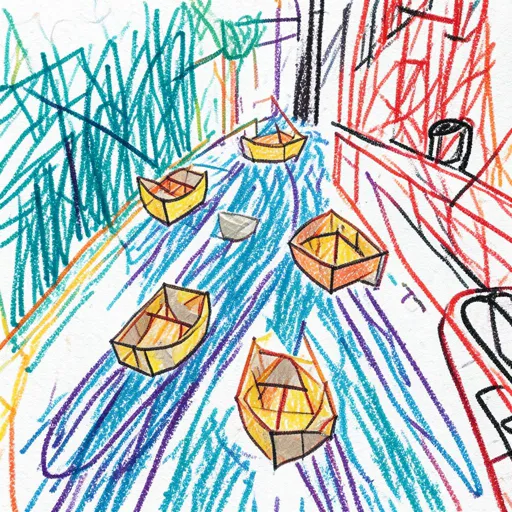
Use My Lyrics is already on. Paste the poem as you wrote it, with its line breaks and stanzas. Up to 5,000 characters fit, which is enough for most poems.
Songs repeat and most poems don’t. Pick a stanza or one strong line as the chorus, put [Chorus] above it and paste it again after the next stanza; mark the others [Verse]. Skip this and the poem is mostly sung once, straight through.
Open Advanced options and describe the music, for example slow piano ballad, female vocal. Press Create to get two songs from the same poem, keep the one where the words land best, or change the style and try again.
In classical music this is called a setting, and the result is an art song, usually for voice and piano. German calls it a Lied; Schubert wrote more than 600, Goethe’s “Erlkönig” among them. In French they are mélodies.
Popular music does the same with less ceremony. Robert Burns reworked an older Scots song into the “Auld Lang Syne” sung today, and “The Star-Spangled Banner” was a Francis Scott Key poem before it was fitted to an existing tune. Once sung, a poem’s words are simply lyrics.
Whoever sets a poem decides which line returns, which word the voice holds and what the music says about the mood. With poem to song AI you make those calls in the box above: mark the chorus, name the style and voice, and the music is built around your words.
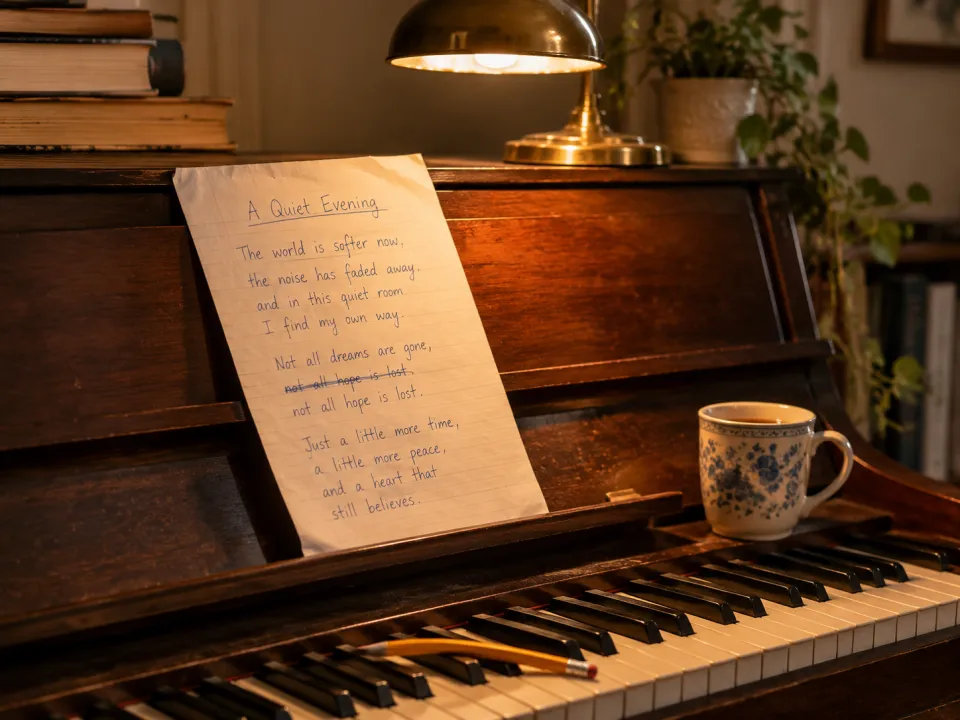
Poems are written to be read and songs to be heard. A few small edits help the poem to song AI fit your words to a melody without changing what they say.
Read it out loud and you will hear it. Paste it in, pick a sound, and hear the version that gets sung.