

Tap along to any song and get its BPM in a few seconds. Use the pad, the space bar or any key, then turn on the click to check the tempo by ear.
Ten to fifteen seconds of tapping is enough for most songs.
Play the song and listen for the beat you would nod or tap your foot to. The kick and snare usually mark it; ignore busy hi-hats.
Tap the pad, or press the space bar or any other key, on each beat. The BPM appears from the second tap and settles as you go.
Once the reading shows Steady, it is good to within about one BPM. Turn on the click and play it against the song; if it drifts, tap again.
Tap tempo means setting or measuring a tempo by tapping along to the beat instead of typing a number. The device times the gaps between your taps and turns them into beats per minute.
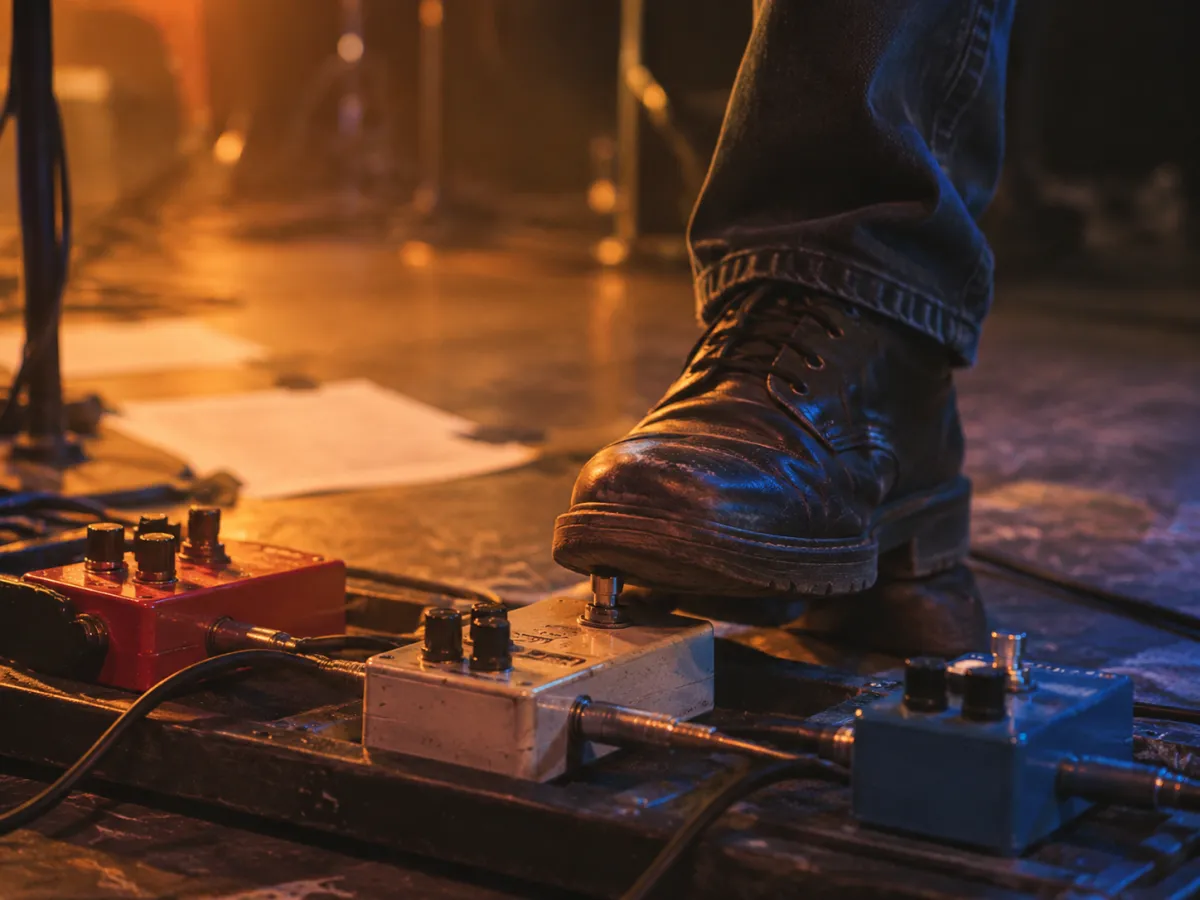
You will find a tap tempo button on delay pedals, drum machines, DJ mixers and in most DAWs, where it lets a player lock an echo or a loop to the band in real time.
As an online tool, a BPM tapper answers a simpler question: how fast is the song I am hearing right now? It works on anything you can hear, from a vinyl record to a busker on the street.
Everything this tap tempo tool does is aimed at one thing: a BPM you can trust after a few seconds.
Classical scores give tempo as Italian words, not numbers. Tap the piece, then compare it with the usual metronome range for each marking.
| Marking | Typical BPM | Meaning |
|---|---|---|
| Largo | 40–60 | Broad, very slow |
| Adagio | 66–76 | Slow and relaxed |
| Andante | 76–108 | At a walking pace |
| Moderato | 108–120 | Moderate |
| Allegro | 120–156 | Fast and bright |
| Vivace | 156–176 | Lively and fast |
| Presto | 168–200 | Very fast |
Tapping wins whenever there is no file to analyze: a song on the radio, a live band, a video playing on another device. It also lets you pick which pulse counts, which software cannot know.
A tapped reading is only as steady as your hand. Most people drift by one or two BPM over the first few taps, which is why the average and the Steady marker matter more than any single gap.
When you do have the MP3 or WAV, an automatic BPM finder maps every beat and also gives you the key. Use tap tempo to confirm its reading, or to choose between half and double time.
Tools for working on a song you made or hold the rights to.
Write a few lines about the song with your BPM, and the AI song generator composes, sings and mixes it.